Systems
Systems are detailed technique sequences within an Area, for example a specific sweep sequence within the Guard area, or a control-and-finish chain from Side Control. They are the building blocks your instructors draw on when planning class content.
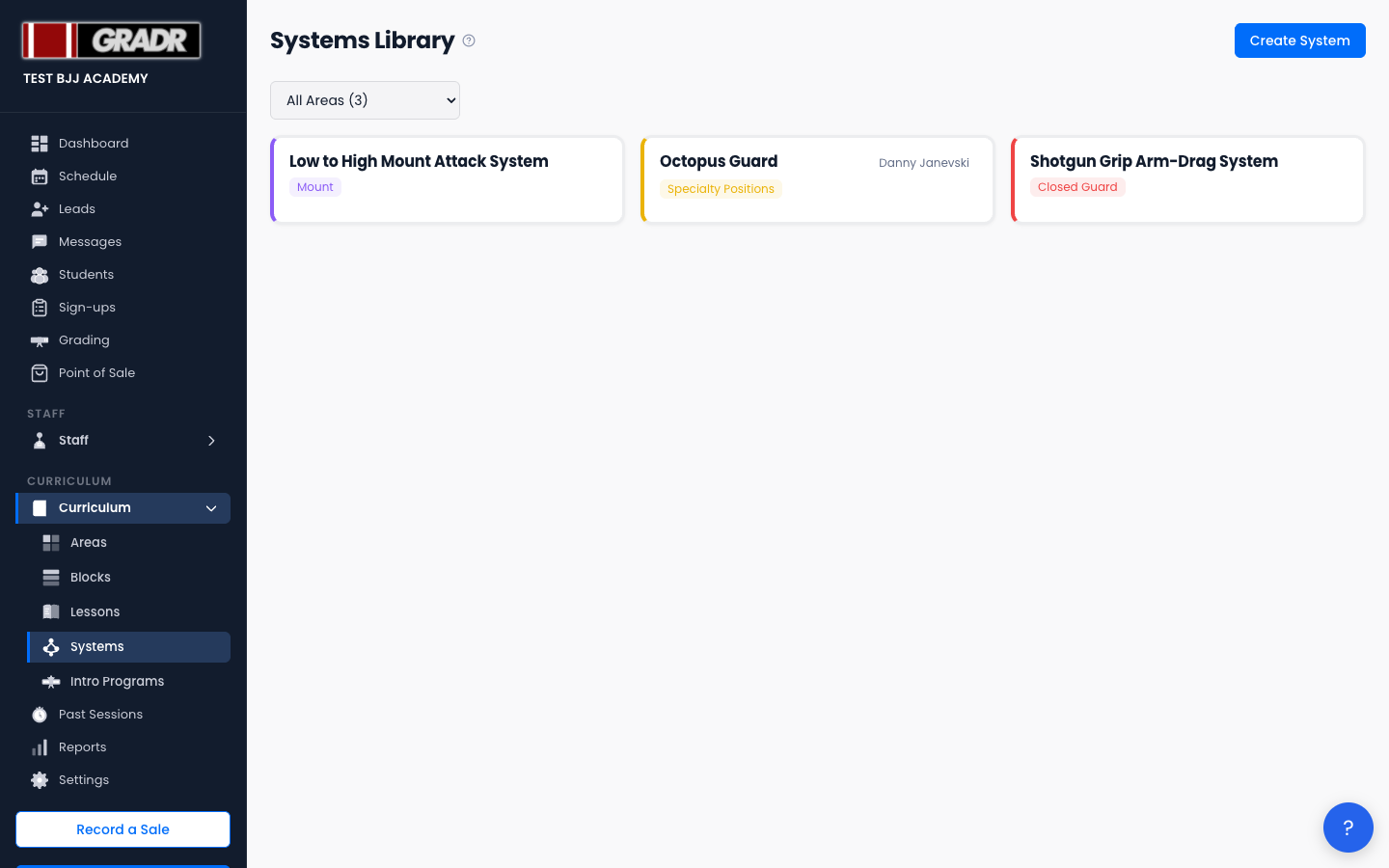
The page (Curriculum → Systems, titled "Systems Library") lists your Systems and includes an Area filter to narrow the list to a single positional category.
:::tip Your gym already has Systems
New gyms start with a template set of Systems already in place, so you're editing an existing library rather than building one from nothing. Review what's there first, then adjust and add your own. :::
Creating a System
- Click Create System.
- Enter the System Name and select the Area it belongs to. (These are the only fields on the create screen; there's no description here.)
- Click Create System.
GRADR opens the System's detail page, where you build out the actual content using the structured template editor.
Editing a System
Open a System to edit it. The detail page uses a structured template. Your changes are saved as you go, so there's no separate name/description form or Save button. From the detail page you can also Clone the System or download it as an image (PNG) to share or print.
Deleting a System
A System can be deleted only when it isn't assigned to any Block. If it's part of a Block, remove it from that Block first, then delete it.
How Systems Fit Into the Curriculum
- Areas define the positional category (e.g. Guard).
- Systems are the specific game plans within that Area (e.g. De La Riva entries and counters).
- Blocks rotate through Areas, and instructors reference Systems when planning the detail of each class.