Shifts
Manage instructor shift requests, swaps, and unavailability. When instructors cannot cover an assigned class, they submit a request here for you to approve or deny. The page is organized into four tabs.
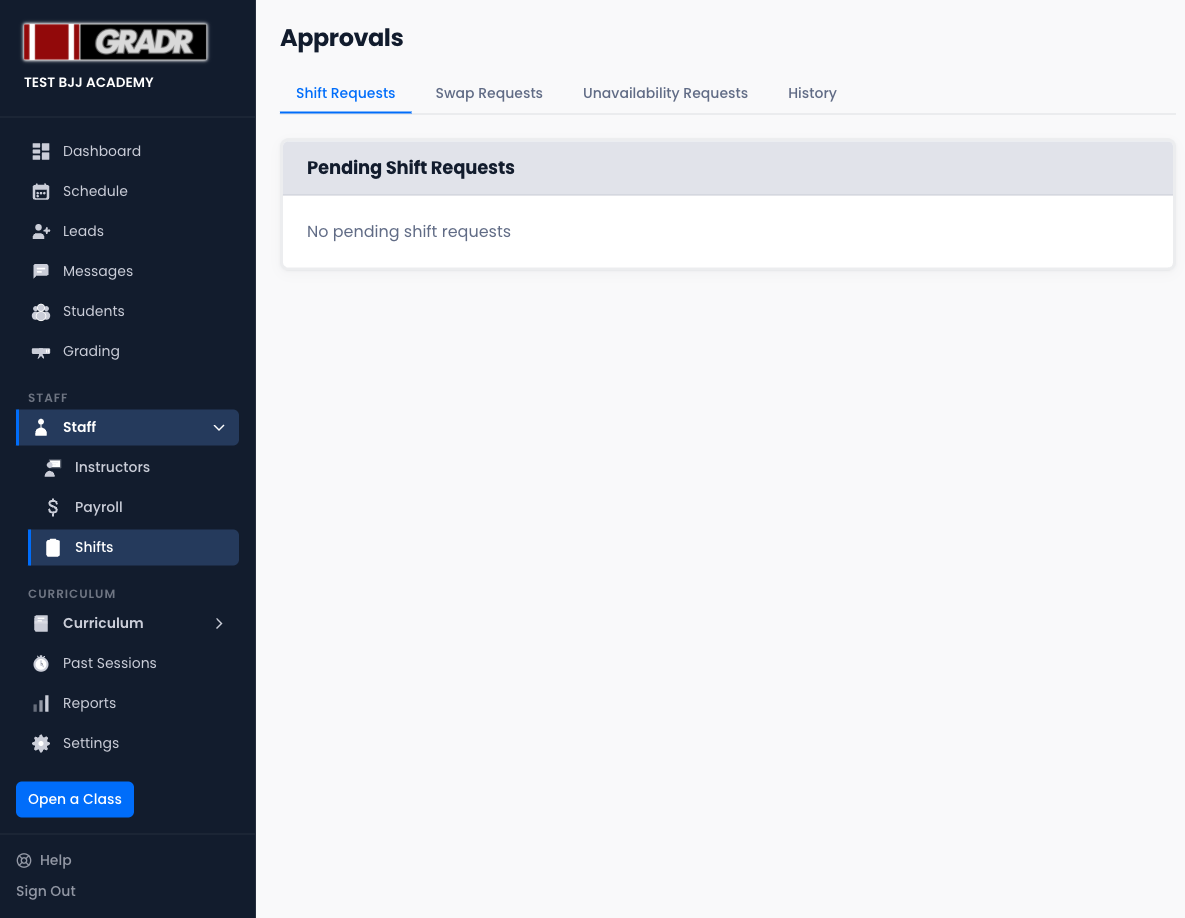
Shift Requests
This tab collects the instructor-initiated requests around individual shifts: releases (an instructor asking to be let off a class), offers, and claims of open shifts. Pending requests appear here for your review.
For a release request:
- Approve — releases the instructor and marks the class as an open shift in the Schedule.
- Deny — keeps the instructor assigned to the class.
Open shifts flagged by an approved request appear in the Dashboard's Uncovered Shifts widget and in the Schedule with a warning indicator. Reassign them from the Schedule or wait for another instructor to claim them.
Swap Requests
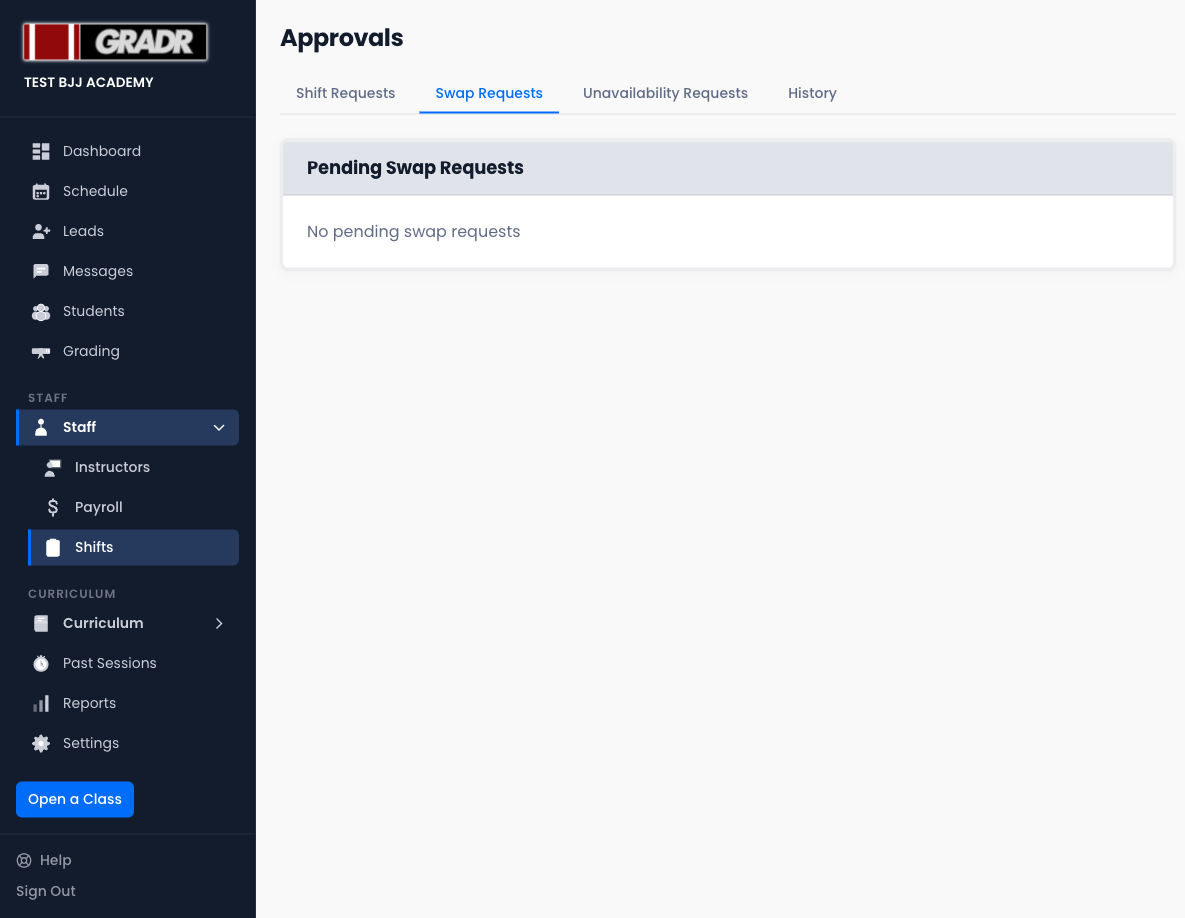
An instructor submits a swap request when they want to hand a class to another instructor. Both instructors must be in the system.
Swaps clear a two-stage consent gate before they reach you:
- The requesting instructor nominates a target instructor. Until that target accepts, the request shows Awaiting instructor response and you can't act on it. This prevents you from reassigning a class to someone who hasn't agreed to take it.
- Once the target accepts, the request becomes actionable for you:
- Approve — reassigns the class accordingly.
- Deny — leaves both assignments unchanged.
Swaps are initiated by the instructor, not the owner. You only review the ones that have been accepted. (A swap you initiate yourself as the owner-instructor is auto-approved.)
Unavailability Requests
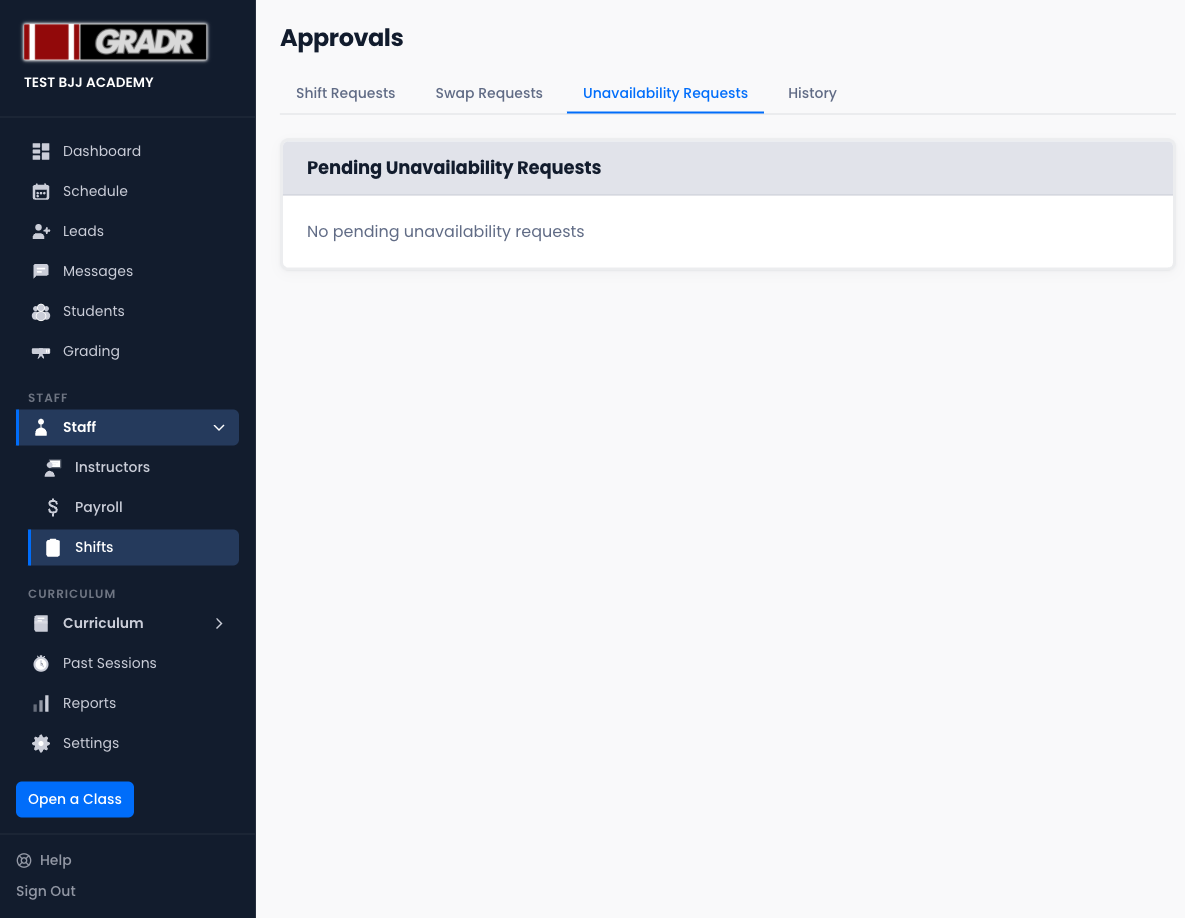
Instructors can submit a date range during which they are unavailable (vacation, travel, injury, etc.). Approved unavailability is recorded on their profile and can be used to avoid scheduling conflicts.
Each request shows:
- The instructor's name
- The date range requested
- Any reason they provided
Approving does not automatically remove them from classes already scheduled during that period. Review the Schedule separately if reassignments are needed.
History
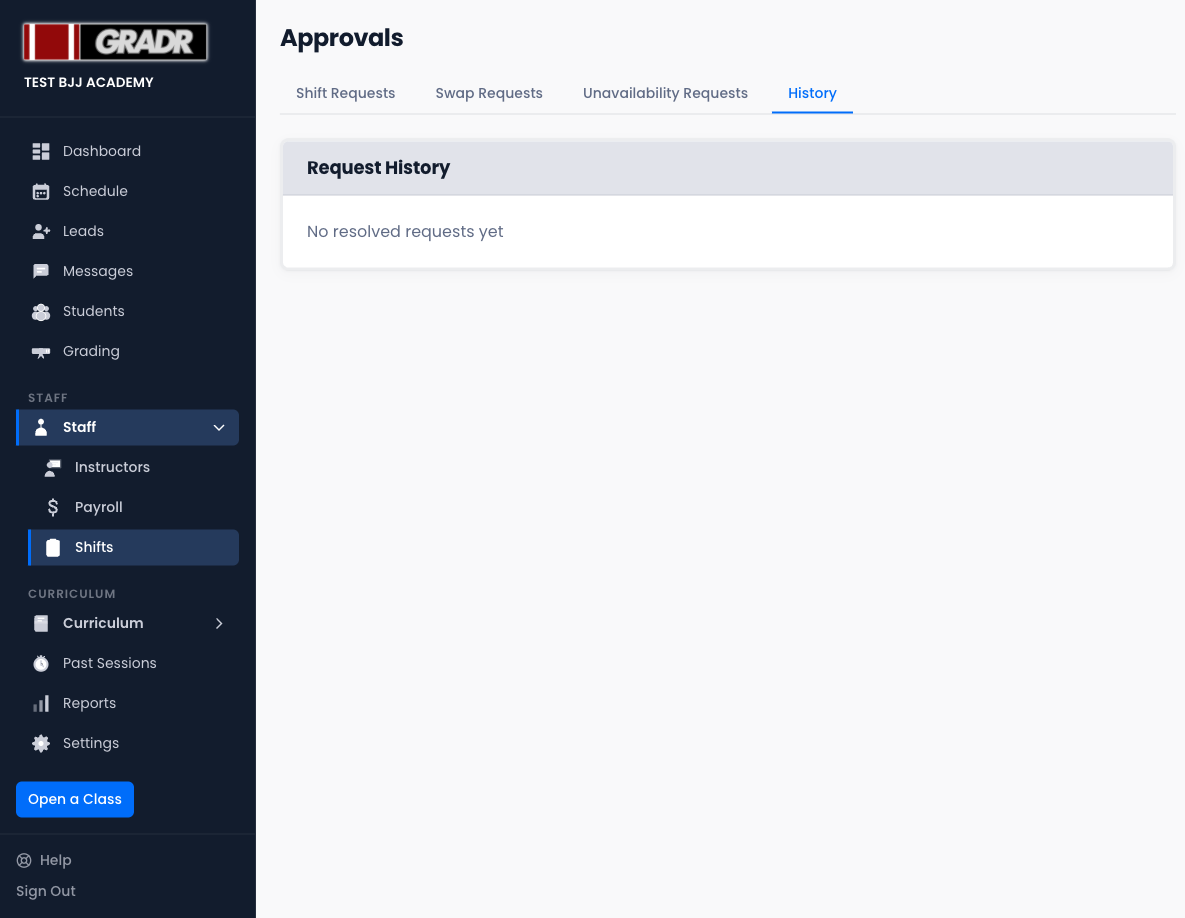
A log of all previously resolved requests (approved and denied) across all three request types. Use History to audit decisions or check whether a past request was actioned.
Preventing Open Shifts
Assign coaches and assistants to all classes at the start of each week using the Schedule. Classes with no instructor assigned appear as uncovered shifts in the Dashboard and can lead to last-minute scrambling.