Student Portal
Configure what students see when they log into their GRADR portal. Adult students and kids students have separate settings, each with the same four sub-tabs: Welcome, Rules, FAQ, and Resources.
Getting students into the portal
This page controls what the portal contains. Access is separate. Giving a student access to it happens on the student's own record:
- When adding them — tick Enable portal access and send invite on the Add Student form and the invite goes out immediately. For kids and under-18s it's sent to the parent or guardian email.
- Afterwards — open the student's profile and use the portal access controls on the Overview tab.
See Students for the full process.
Tell students they can add the portal to their phone's home screen so it opens like an app, because they're far more likely to use it that way. The instructions are public at gradrjj.com/install-app. They'll need the GRADR Student app, not the owner one.
Adult Portal
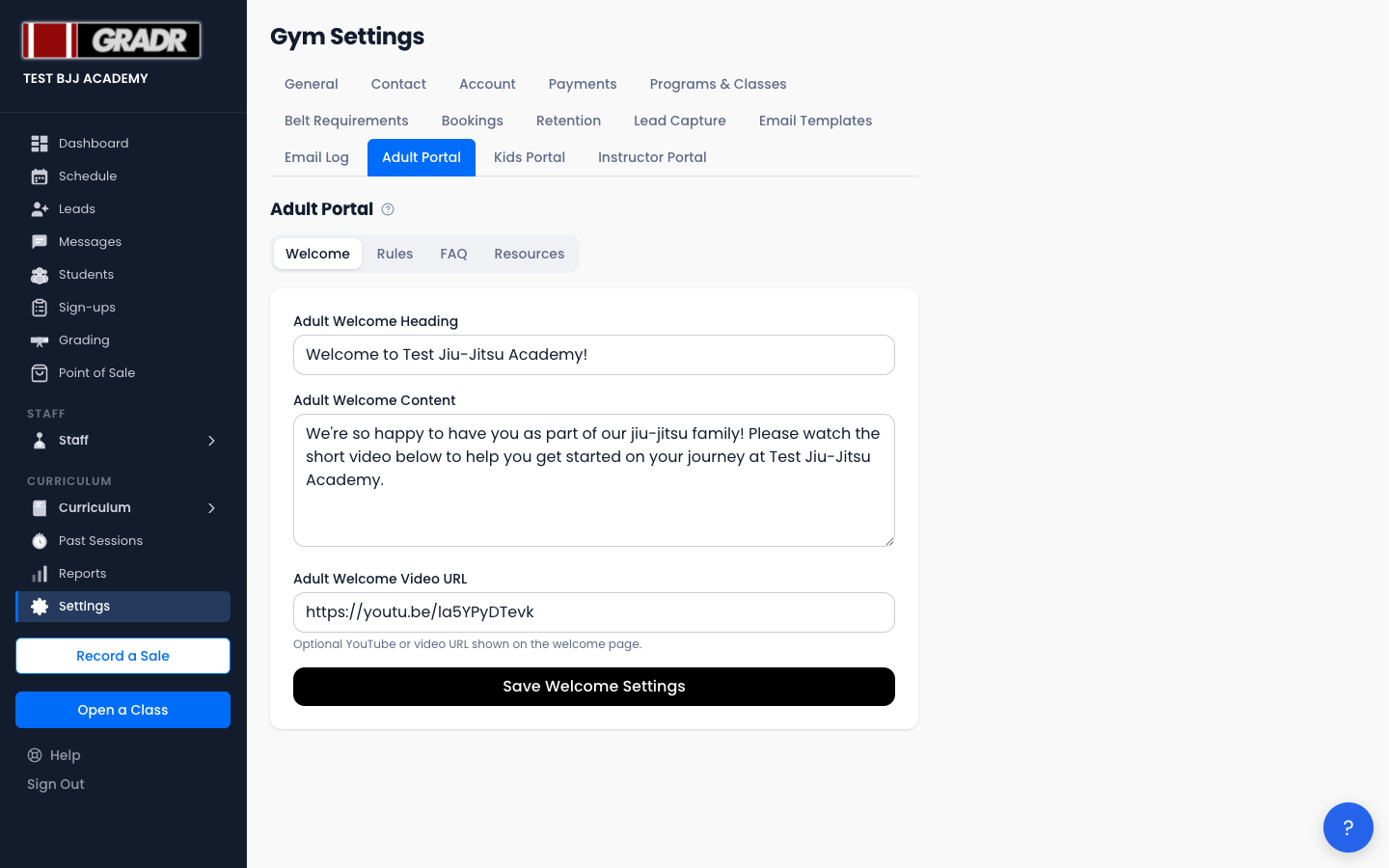
Navigate to Settings → Adult Portal to configure the experience for adult students.
Welcome
Set the landing content adult students see when they log in. This sub-tab has three fields:
- Heading — the title at the top of the portal home screen.
- Content — the body message; introduce your gym, set expectations, or point students to key information.
- Video URL — an optional video (e.g. a welcome message or gym tour) embedded on the home screen.
Rules
Write or paste your academy's rules and code of conduct for adult students; this text displays prominently in the portal, so keep it concise and easy to read.
FAQ
Add frequently asked questions for adult students, each with a question and an answer that students can browse from their portal home screen. Common topics include billing questions, class etiquette, and belt requirements.
Resources
Upload files or add links that adult students can access from their portal, such as training videos, nutrition guides, competition schedules, forms, or any other material you want to share.
Kids Portal
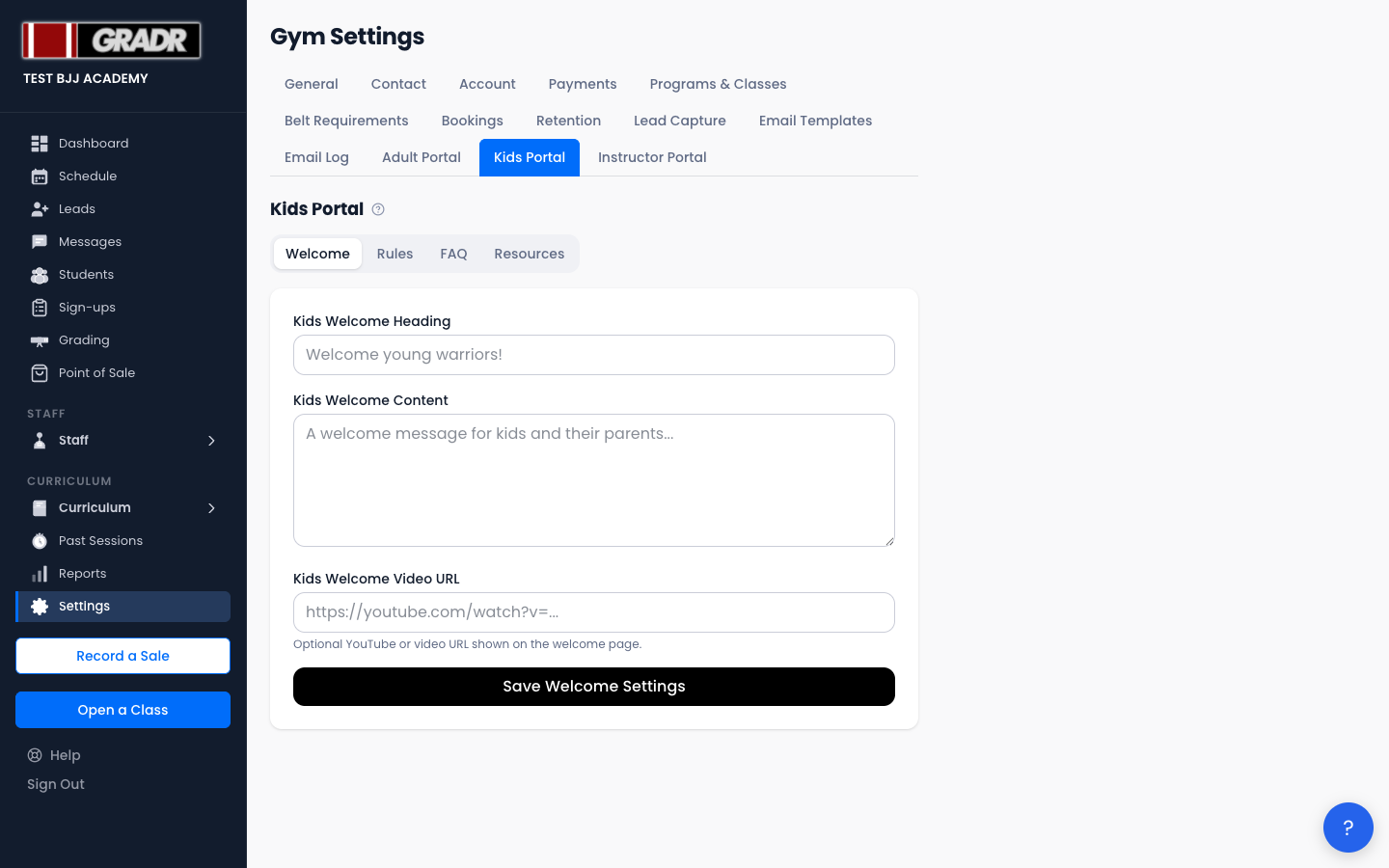
Navigate to Settings → Kids Portal to configure the experience for kids students and their parents, using the same four sub-tabs as the adult portal: Welcome, Rules, FAQ, and Resources.
Use age-appropriate language. Parents are often the ones reading the kids portal content.
Related
- Students — granting and managing a student portal access
- Settings — Instructor Portal — the equivalent portal setup for instructors
- Tutorial: Onboarding a New Student