Instructor Portal
Configure what your instructors see when they log into their GRADR portal. Use the Instructor Portal settings tab, which has two sections: Resources and Code of Conduct.
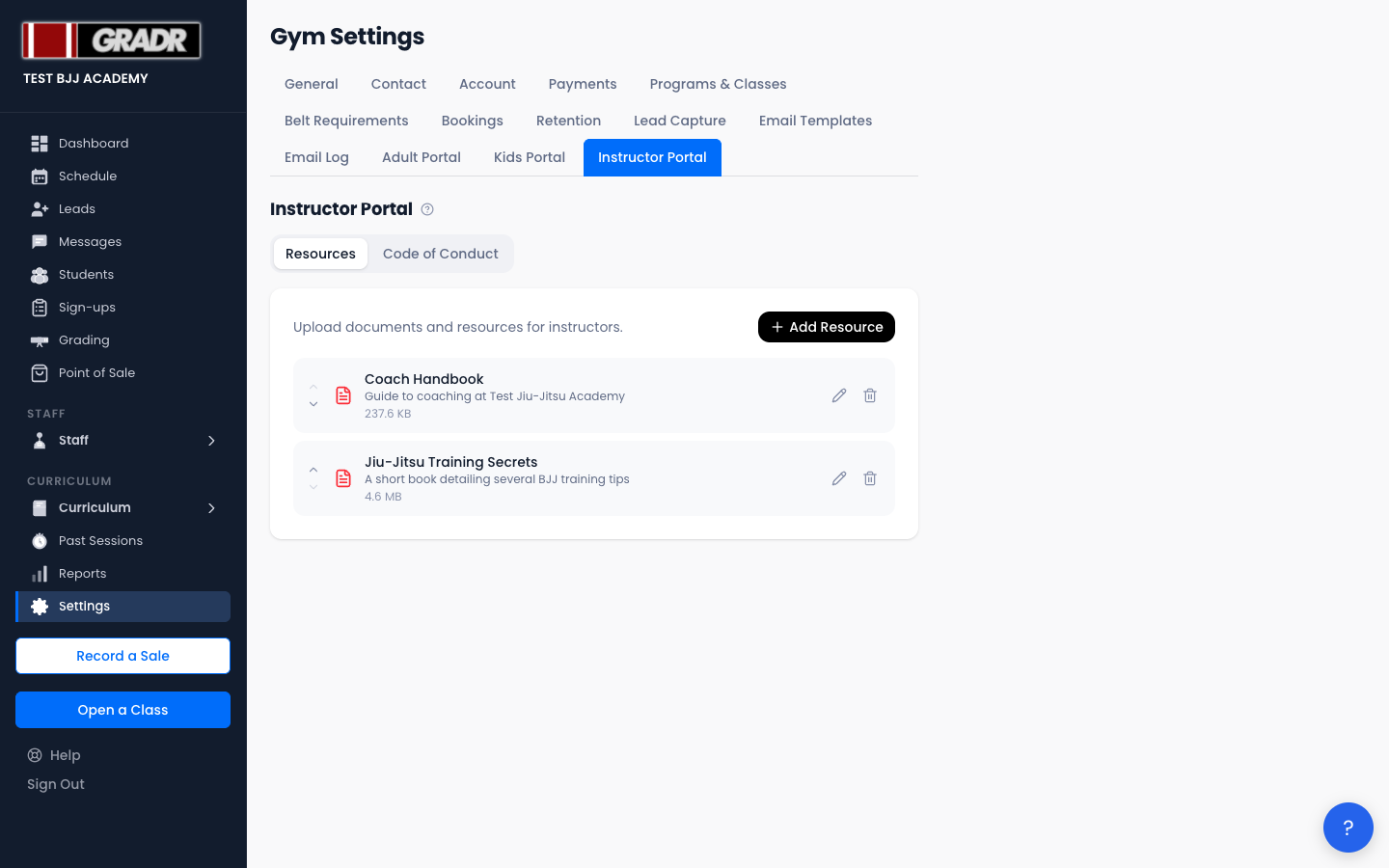
Resources
Upload files that instructors can access from their portal: curriculum guides, class planning templates, competition schedules, or any teaching materials. Resources are file uploads, not links. You can reorder them to control how they're listed, and instructors can view and download them at any time.
Code of Conduct
The Code of Conduct isn't a single free-text box. It's a list of discrete items, each with a heading and body, that you can add, edit, and reorder to break expectations into clear, scannable points covering things like professionalism, communication, and class management.
Updating it here updates it immediately for every instructor. Nothing needs to be sent manually.
Related
- Instructors — full reference for managing your coaching staff
- Settings — Student Portal — the equivalent portal setup for students