Intro Programs
Intro Programs are fixed lesson sequences for new students. Instead of rotating through Areas like a regular Block, an Intro Program cycles through a predetermined set of lessons in order, so every beginner gets the same foundational curriculum. When a student finishes the last lesson, the cycle restarts. Students who complete the program can be auto-graduated.
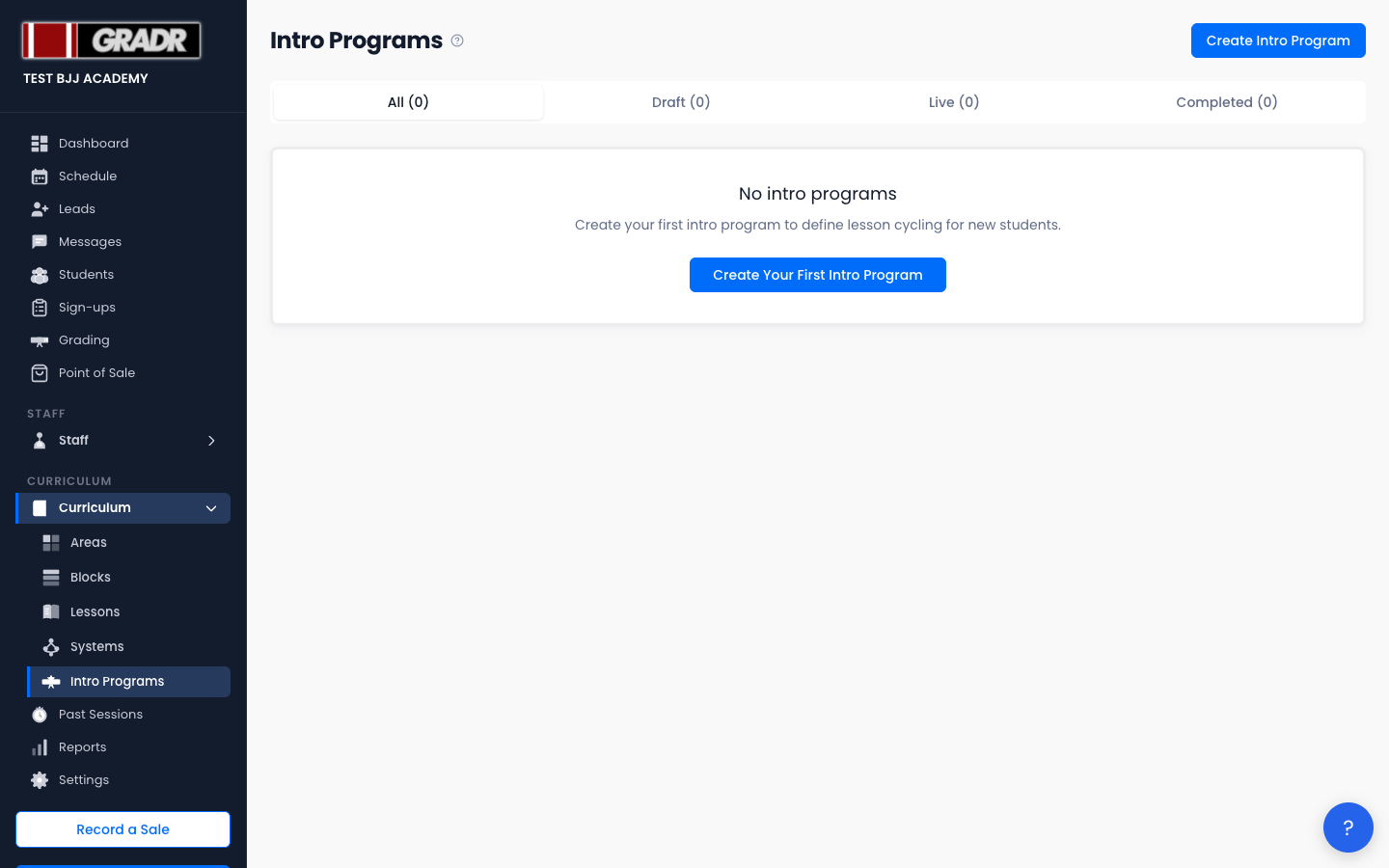
The page (Curriculum → Intro Programs) lists programs as cards with their status, lesson count, current lesson position when live, and class count. Tabs filter by All, Draft, Live, Completed.
Intro Program Statuses
| Status | Meaning |
|---|---|
| Draft | Being configured; not yet running on a class |
| Live | Activated and running on one or more classes |
| Completed | Marked done, with a history record kept |
Creating an Intro Program
Click Create Intro Program. The create screen asks only for a Program Name. Click Create Intro Program and GRADR opens the program editor.
In the editor:
- Add lessons — click + Add Lesson to add lessons in the order new students should receive them. You can reorder them at any time while the program is a draft.
- Assign classes — in Class Assignments, tick the class (or classes) the program should run on and click Save Class Assignments.
- Activate — click Activate Intro Program. Students attending an assigned class then cycle through the lessons in sequence.
Managing a Live Program
From a live program you can Complete Intro Program (creates a history record and marks it done) or Deactivate it (returns it to draft and resets the lesson index to 0). A completed program can be brought back with Re-activate Intro Program. Draft programs can be removed with Delete Draft.
How Intro Programs Differ from Blocks
Blocks rotate through positional Areas on a configurable weekly schedule and drive the main curriculum. Intro Programs run a fixed, ordered list of lessons that cycles continuously, purpose-built for onboarding new students, with optional auto-graduation when the sequence is complete.